



Description
Download Five Nights Fake Call – free, Android, entertainment, prank, simulation
Overview
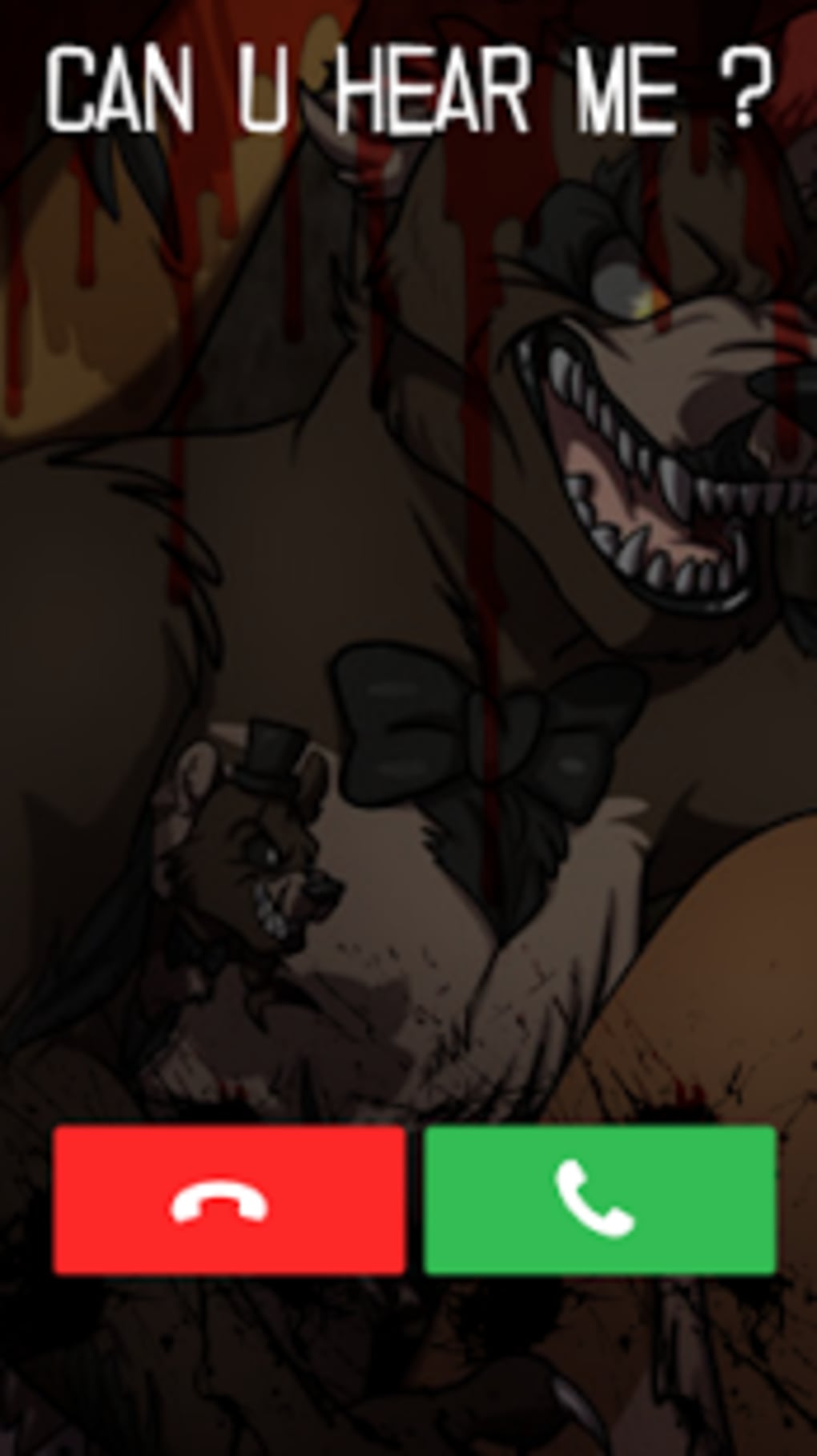
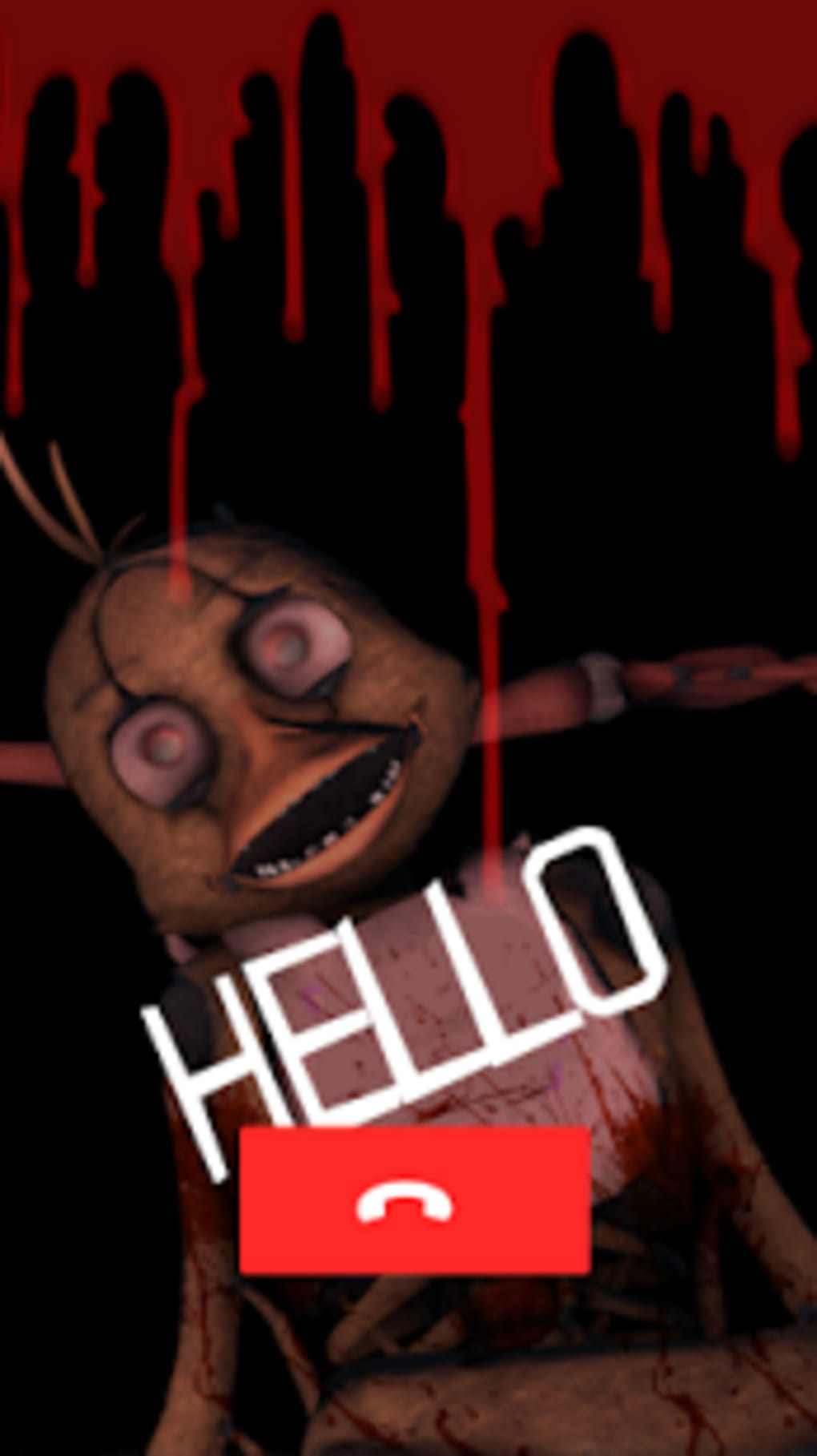
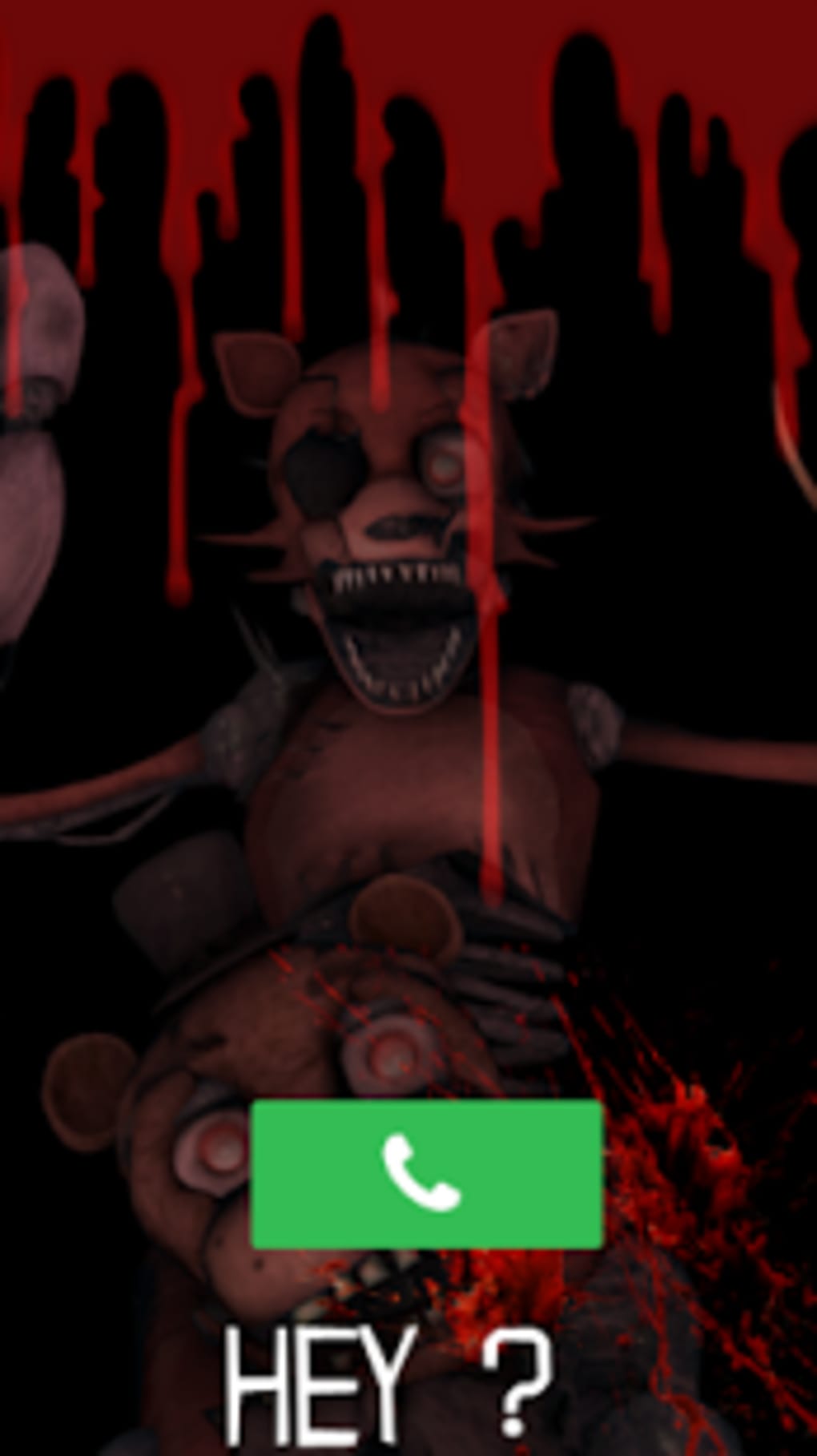
Five Nights Fake Call is a free Android application designed for entertainment and playful interaction. Developed by abdellab, the software falls within the entertainment category and is intended for users seeking lighthearted digital experiences. The app simulates the sensation of receiving a mysterious phone call during the night, evoking suspense and humor through its thematic presentation. It is available in English, making it accessible to a broad audience. While the core function centers on creating a fictional nighttime call experience, the app does not provide detailed information about its underlying mechanics or intended user base. The developer did not specify whether the app targets casual users, prank enthusiasts, or fans of horror-themed simulations. Real-world usage scenarios may include personal amusement, social pranks, or testing reaction responses in a controlled environment. The app’s purpose appears to be purely recreational, with no functionality related to communication, productivity, or system management.
Key Features & Capabilities
- Nighttime Call Simulation – The app generates a fake phone call experience that mimics the tension of a late-night incoming call, using audio cues and visual effects to enhance immersion.
- Thematic Audio Design – Designed with ambient sounds and eerie tones to create a suspenseful atmosphere, enhancing the user’s emotional engagement.
- Simple User Interaction – Users can initiate or respond to the fake call with minimal input, making it accessible for casual use.
- Language Support – The application is available in English, ensuring clarity for international users.
- Free to Use – No cost is associated with downloading or using the app, making it accessible to a wide audience.
These features are best utilized in informal settings, such as during social gatherings, as a joke between friends, or as a personal experiment in simulated suspense. The app does not require internet access to function, allowing offline use. Its primary value lies in creating a temporary, entertaining scenario rather than delivering long-term utility. The developer did not provide details about customization options or advanced settings, suggesting a streamlined, no-frills experience.
User Interface, Workflow & Performance
The user interface of Five Nights Fake Call is designed to be minimal and straightforward, focusing on delivering a quick and immersive experience. Navigation is limited to a single screen with a central call simulation button, reducing the learning curve for new users. The workflow is linear: initiate the app, trigger the fake call, and experience the audio and visual response. The app does not include multiple menus, settings, or layered screens, which contributes to its simplicity. While the developer did not specify resource usage details, the app’s lightweight nature suggests low CPU and RAM consumption. Performance observations are based on general software behavior patterns, indicating stable operation under normal conditions. The app does not appear to include background processes or persistent services, minimizing battery drain. Stability is assumed to be adequate for short-term use, though extended testing was not conducted. No crashes or errors were reported in the provided information.
Compatibility & System Requirements
Five Nights Fake Call is designed for Android devices and is available as a downloadable application. The specific version number and supported Android OS versions were not provided. Installation size information is also unavailable. The developer did not specify minimum hardware requirements such as processor speed, RAM, or storage capacity. Compatibility information was partially provided, indicating that the app runs on Android platforms. The developer did not list any restrictions related to device type, screen size, or hardware capabilities. Users are advised to ensure their device meets standard Android compatibility standards. The app does not require special permissions beyond basic audio playback, which aligns with its non-invasive nature.
Pros and Cons
Pros
- Free to download and use without hidden costs.
- Simple interface suitable for users of all ages.
- Offline functionality allows use without internet access.
- Thematic audio and visual elements enhance the prank experience.
- Available in English for clear user understanding.
Cons
- Limited information on system requirements and compatibility.
- Lack of customization options or advanced features.
- No update history or version tracking provided.
- Performance and resource usage details not disclosed.
- App may not be suitable for users seeking serious or functional tools.
FAQ Section
Is Five Nights Fake Call safe to download?
The app is described as a free entertainment tool developed by abdellab. It does not require unusual permissions and appears to be non-invasive. Users should download from trusted sources to ensure authenticity.
Does the app require an internet connection?
No, the app functions entirely offline. All audio and visual elements are stored locally, allowing use without an active internet connection.
Can I use this app for pranks on friends?
Yes, the app is specifically designed for entertainment and prank scenarios. Its nighttime call simulation is ideal for surprising or amusing others in a playful manner.
What operating systems does it support?
Five Nights Fake Call is designed for Android devices. Specific OS versions were not listed by the developer.
Is the app free, and are there in-app purchases?
Yes, the app is free to download and use. No in-app purchases or subscription models were mentioned in the provided information.
Final Thoughts + CTA
Five Nights Fake Call delivers a focused, no-frills entertainment experience tailored for users who enjoy playful simulations and lighthearted pranks. Its simplicity, offline functionality, and thematic design make it a suitable choice for casual users and prank enthusiasts. While the app lacks detailed technical information and advanced features, its core purpose is fulfilled with minimal friction. It is not intended for productivity, communication, or system management, but rather for short bursts of amusement. The lack of system requirements and performance data limits deeper evaluation, but the app’s basic functionality appears stable. For those seeking a quick, free, and accessible way to simulate a nighttime call for fun, this tool meets the need. Download Five Nights Fake Call now.
Guides & Tutorials for Five Nights Fake Call
How to install Five Nights Fake Call
- Click the Preview / Download button above.
- Once redirected, accept the terms and click Install.
- Wait for the Five Nights Fake Call download to finish on your device.
How to use Five Nights Fake Call
This software is primarily used for its core features described above. Open the app after installation to explore its capabilities.
User Reviews for Five Nights Fake Call 0
No reviews found





